IIIF · W3C Annotations
Annotate manuscripts collaboratively.
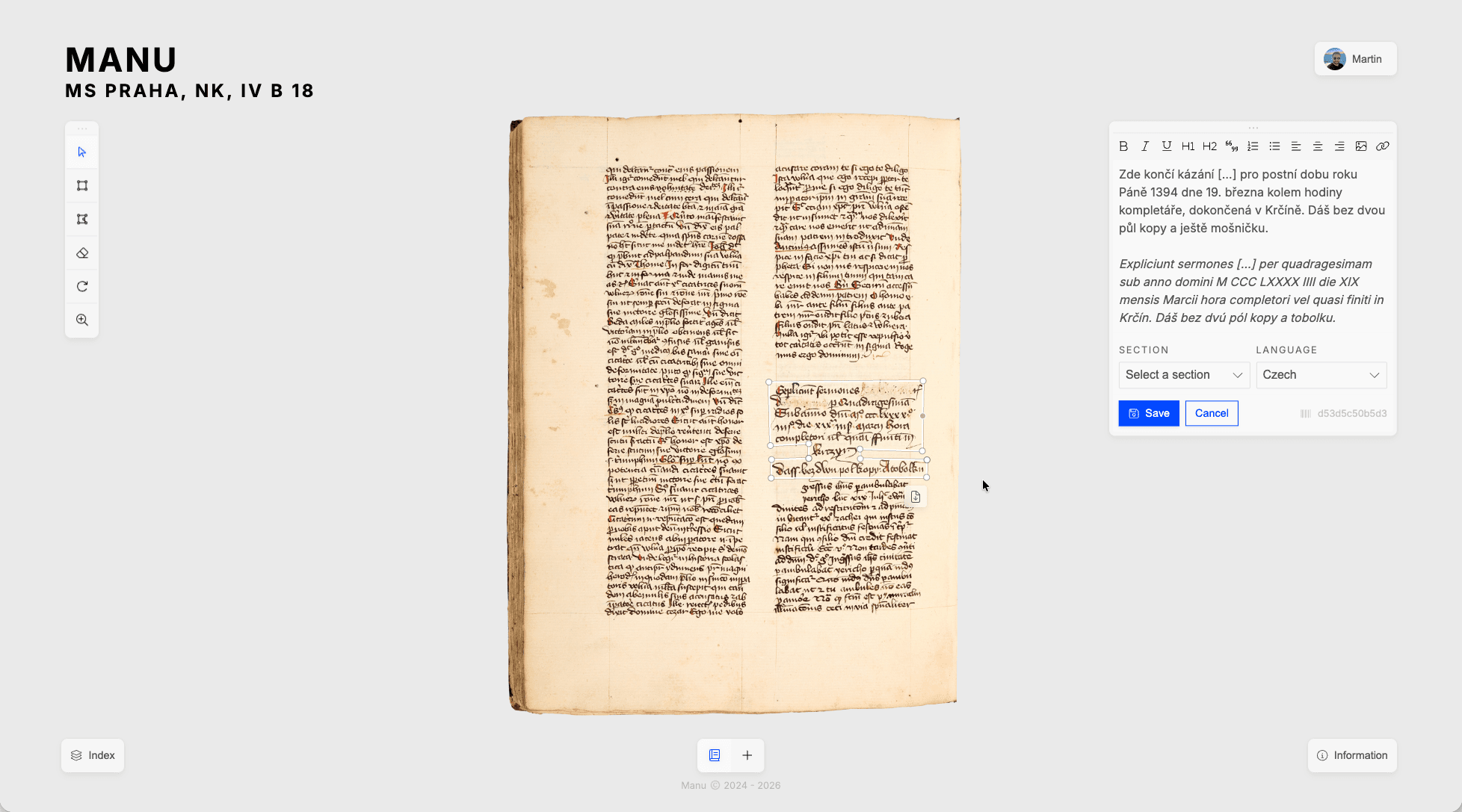
Manu brings together IIIF deep-zoom viewing, thematic annotation layers, and assisted transcription in one place. Everything is stored as W3C Web Annotation JSON, so your research is never locked into a proprietary format.
How it works
One place for your manuscript research.
Load a IIIF manifest, organise your annotation layers, and invite your team. All your work stays in one place.
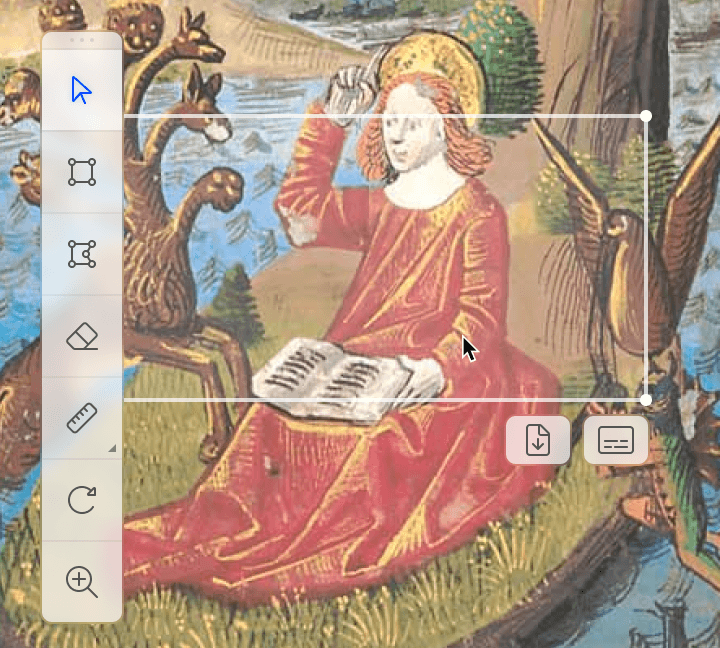
Pointer. Click any annotation to select it. Click to open the full editor. Use the pointer whenever you want to navigate or review without accidentally creating new marks.
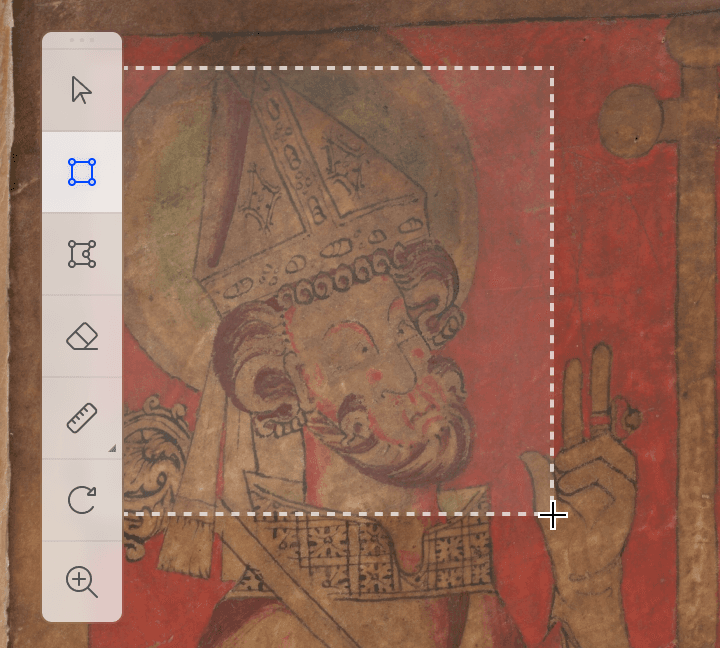
Rectangle. Draw axis-aligned bounding boxes over any region of the folio. Good for columns, line blocks, rubrics, and any rectangular feature on a manuscript page.
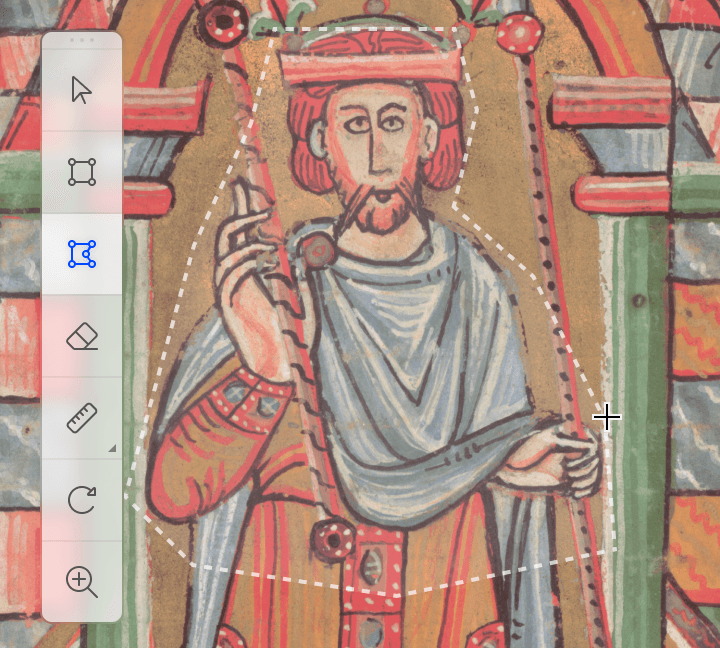
Polygon. Click to place vertices and draw a polygon that follows the exact contour of an illumination, decorated initial, marginal gloss, or any irregularly shaped feature on the page.
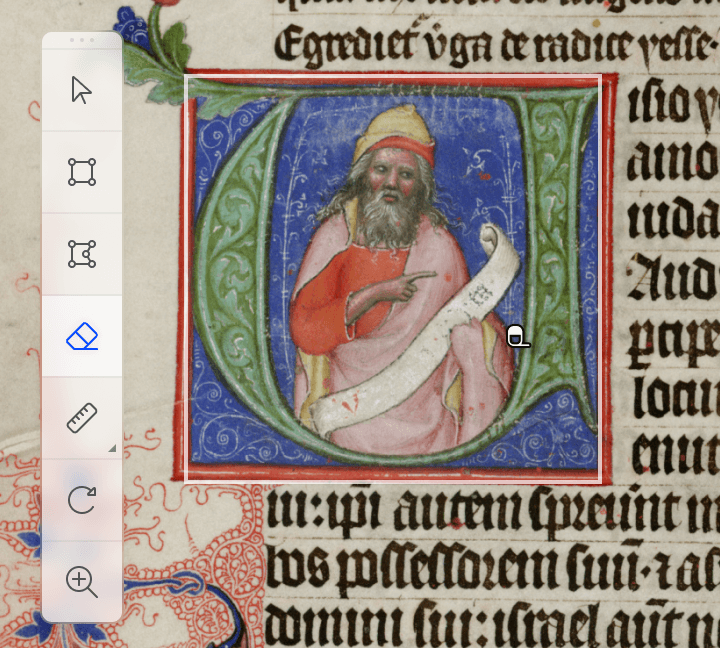
Eraser. Click an annotation to delete it from the current layer. Other layers are never affected. The eraser is always scoped to the layer you are actively editing.
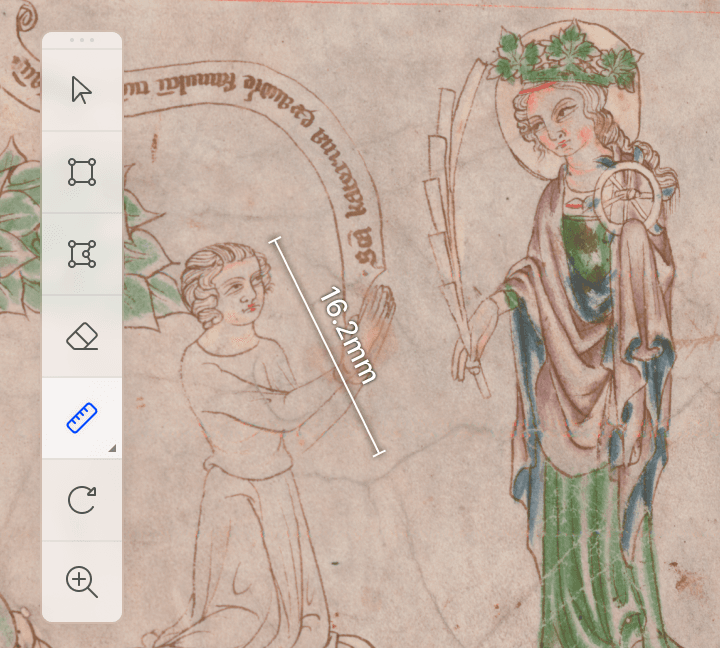
Ruler. Draw a line across any region of the folio to record a distance. This can be useful for documenting script size, ruling patterns, parchment margins, or physical damage.
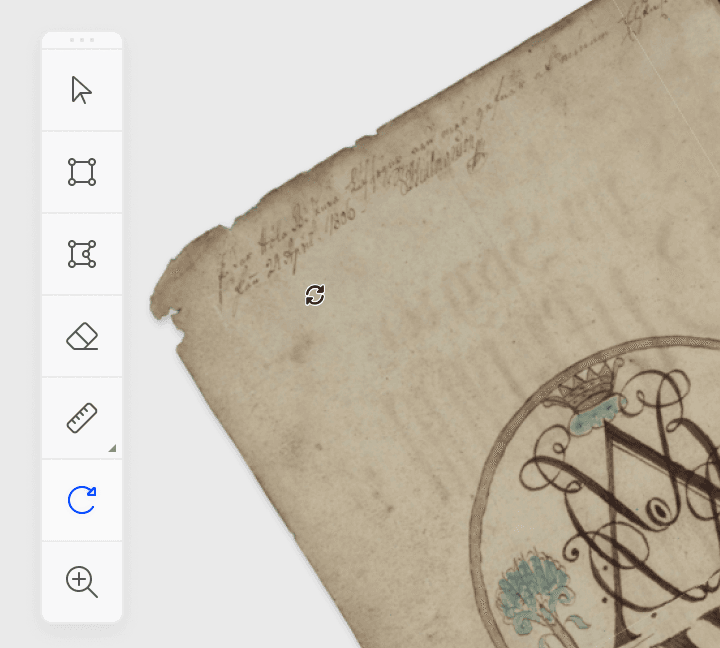
Rotate. Drag left to rotate clockwise, drag right to rotate counter-clockwise. Useful for folios photographed at an angle and for inspecting rotated marginal glosses or upside-down insertions.
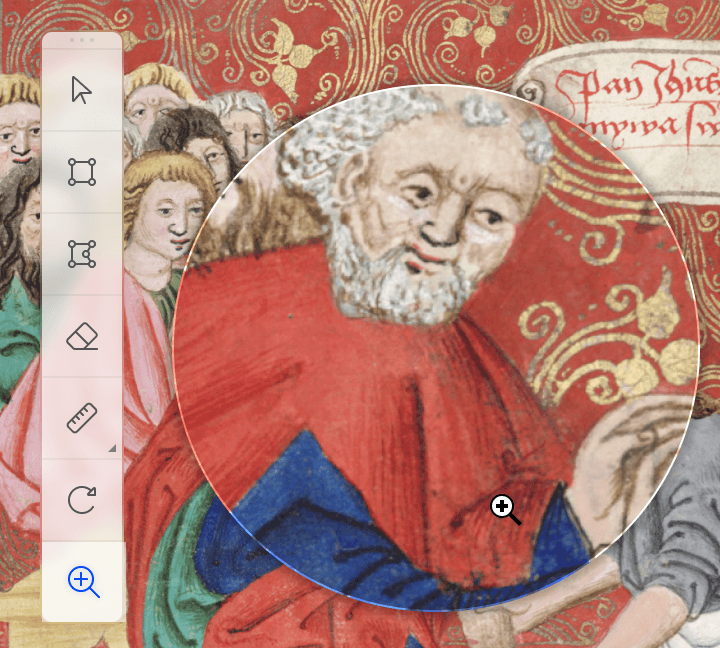
Zoom. Click to zoom in, shift+click or right-click to zoom out. The IIIF tile server streams the appropriate resolution for every zoom level automatically without waiting for the full image to load.
High-resolution viewer
Zoom into every detail of a folio.
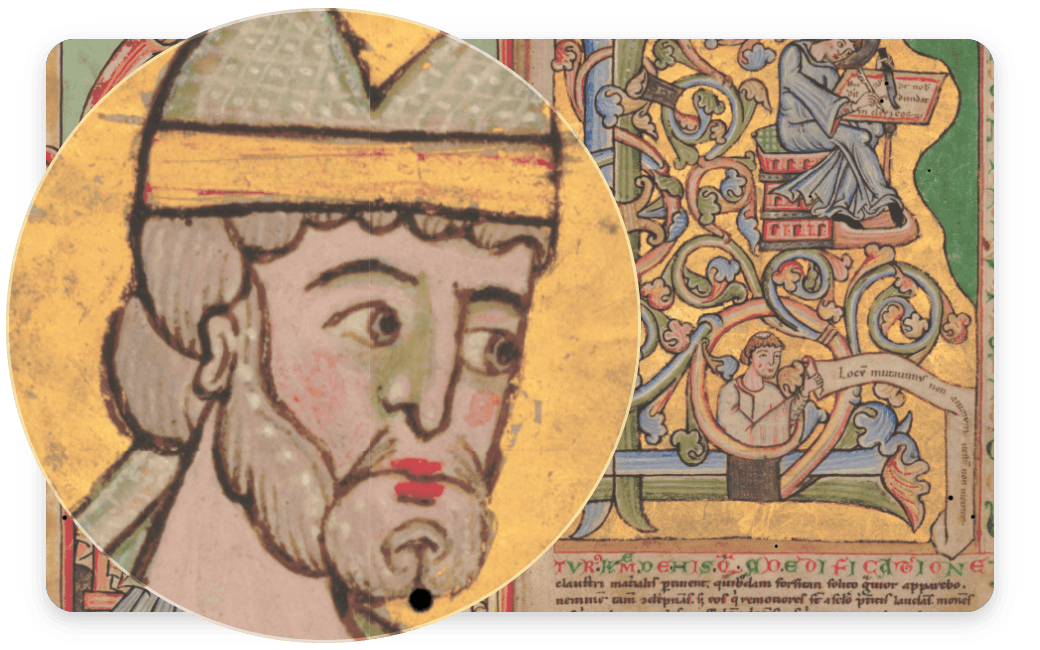
The OpenSeadragon viewer delivers large manuscript images as deep-zoom tile pyramids, so you can navigate from a full-page overview down to individual letterforms without reloading. Paste any IIIF manifest URL to connect directly to the institution's tile server.
Annotation layers
Organise your research into layers.
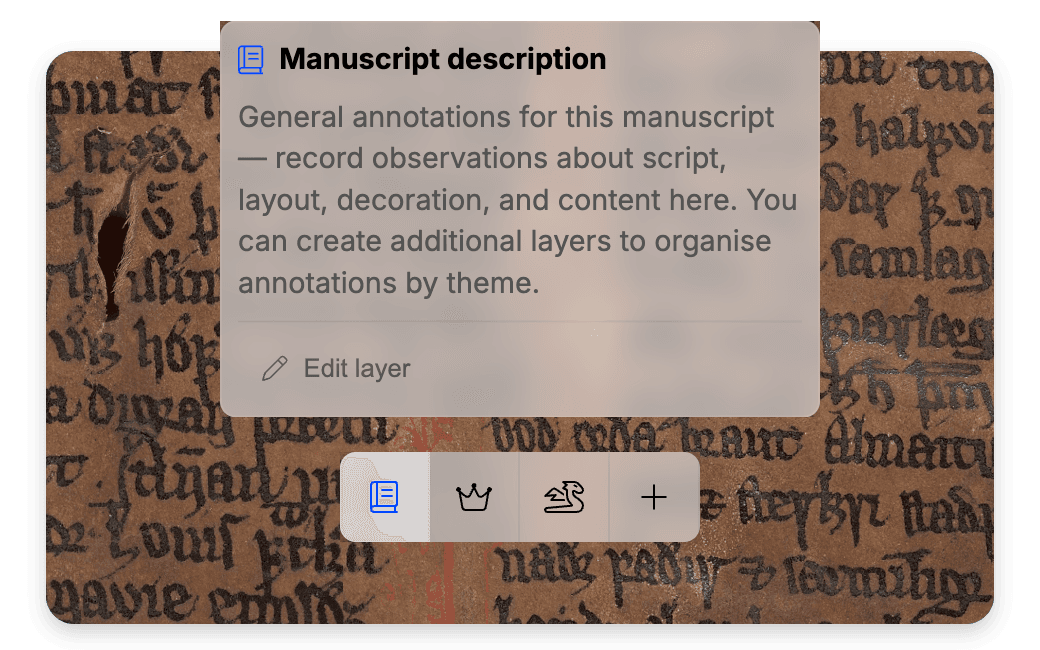
Create custom layers, add descriptions and then draw rectangles or freehand polygons over any part of a folio. Each annotation will get assigned to the currently selected layer. Layers can be created for various purposes: transcription, decoration, marginalia, damage, or whatever your project requires.
Team collaboration
Share access exactly as needed.
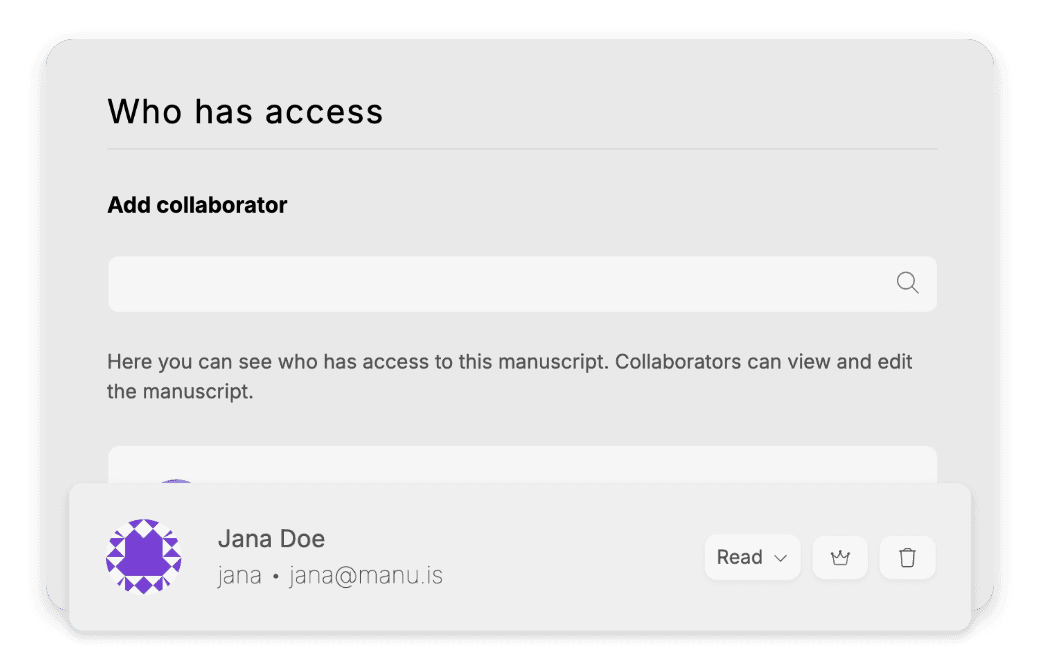
Assign collaborators per manuscript with one of four roles: read, write, manage, or owner. Create research groups so every member inherits access automatically.1 Set a manuscript public so anyone can view it without an account, or keep it private until publication.
Real-time collaboration
Work on the same folio, at the same time.
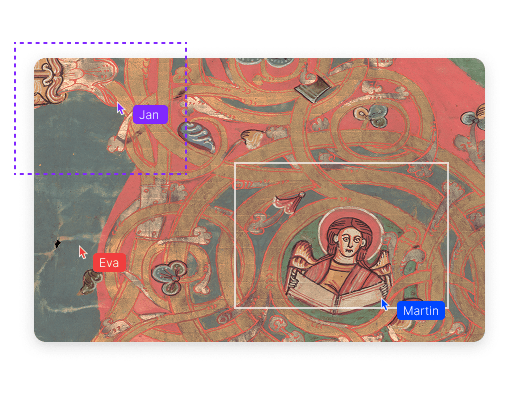
When a colleague opens the same manuscript, their cursor appears on your screen. You can see who is active and where, annotate different regions simultaneously, and watch each other's changes appear without refreshing the page.
AI transcription
Start your transcription from a machine draft.
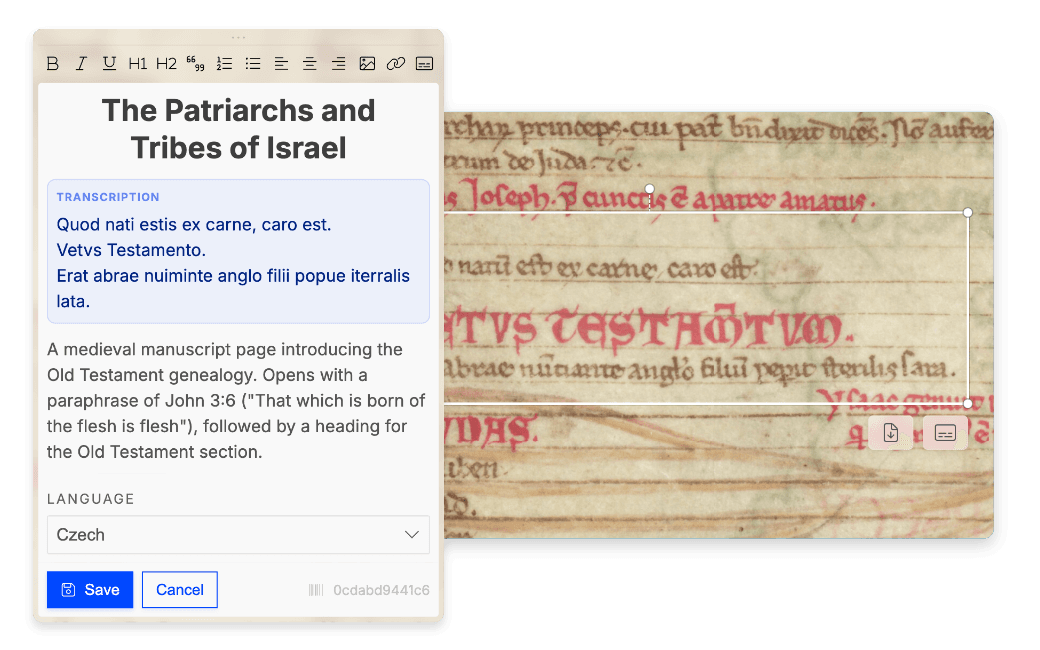
Select an annotated region and request a transcription. Manu crops the image and sends it to Google Gemini,2 which streams the result directly into the annotation body. Use it as a starting point: edit, correct, and build on it from there.
Open standards & export
Your annotations, in an open format.
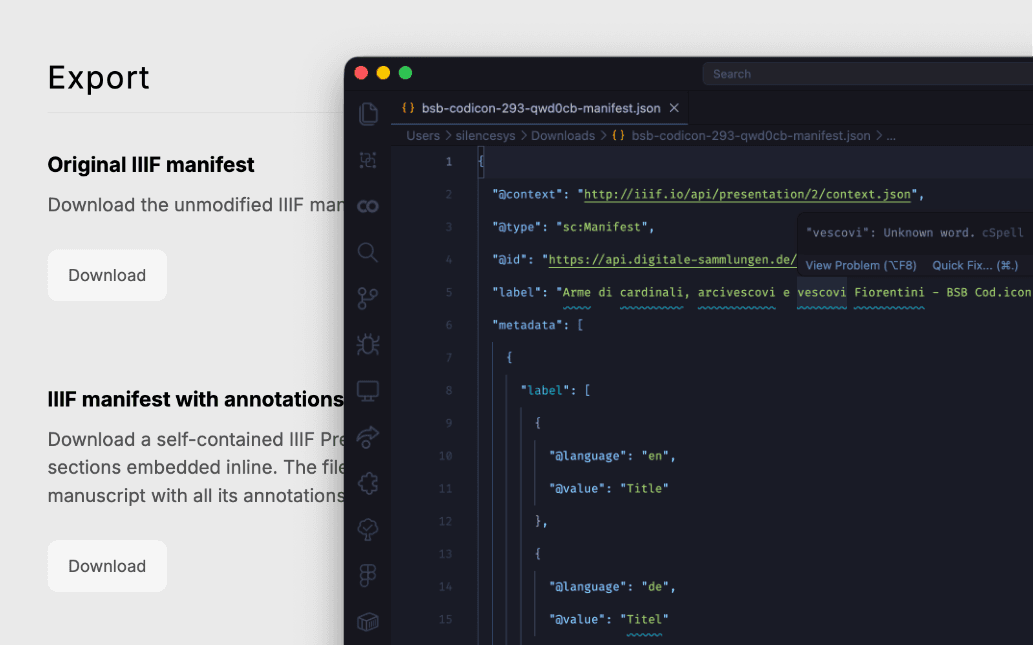
Annotations are stored and exported as W3C Web Annotation JSON. The same format used by Mirador and Recogito. Export any annotated region as a high-resolution PNG crop for citation, typesetting, or further analysis. Nothing is stored in a proprietary format.
About the project
Scholarly infrastructure for the long run.
Medieval manuscript research has always required proximity to the object, to the institution, and to the colleagues who share your specialisation. Digital tools can replicate the proximity to the object. The harder problem is how to replicate the collaborative environment that is part of the archival work. Layers of research and interpretation are built up over years and shared between colleagues, but they are often stored in a fragmented way: some in the institution's catalogue, some in a shared folder, some in a personal notebook. This makes it hard to maintain the connections between the data, to share it with collaborators, and to preserve it for the long term.
MANU was built to address that problem. The platform started as an internal tool for a research group at Charles University in Prague that needed a single place to annotate a manuscript collection. None of the available tools combined IIIF compatibility, fine-grained access control and a data model grounded in open standards which would allow the research to be preserved and shared in a sustainable way. So I built one.
The annotation layer is built on the W3C Web Annotation Data Model, the same standard used by Mirador and Recogito, which means that annotations exported from MANU can be imported into other compliant tools without conversion. Images are served by the institution's own IIIF server. MANU never copies or redistributes them. The platform is built to be flexible enough to accommodate a wide range of research needs and institutional contexts.
The aim is for the platform to feel less like specialised software and more like organised, accessible infrastructure. The kind a university library would be comfortable hosting and maintaining for the long term, and that researchers would be comfortable using and sharing with their collaborators. I have already successfully tested it as a personal notebook for my dissertation research, as a collaborative workspace for a team of researchers to prepare an exhibition, and as a public-facing annotation layer for a digital manuscript edition. And I'm excited to see how other researchers and institutions will use it in the future.
Features
Built for manuscript research.
Designed around the workflows of manuscript scholars, not adapted from a general-purpose tool.
IIIF from any institution
Paste a manifest URL from any IIIF-compliant repository ranging from national libraries, Europeana to university collections. Manu loads the full folio sequence and connects directly to the institution's image tiles.
Rectangle and polygon drawing
Draw axis-aligned bounding boxes or freehand polygons over any region of the folio.
Thematic layer system
Create unlimited named layers: one for transcription, one for decoration studies, one for damage mapping. Toggle them independently and collapse entire research threads without losing work.
Roles for every team setup
Assign read, write, manage, or owner roles per manuscript or per research group.1 Public visibility for open access; private by default until you are ready to share.
AI-assisted transcription
Select a region and request a transcription. Google Gemini2 analyses the crop and streams the result directly into the annotation body. Edit and correct it as you would any first draft.
W3C annotation export
Every annotation exports as W3C Web Annotation JSON. Download individual regions as high-resolution PNG crops. Your research data is never locked in.
Live cursors and shared editing
Open the same manuscript as a colleague and both cursors appear on screen. Annotations created or moved by either researcher update immediately, with no page refresh needed.
EU hosting or self-hosted
Manu.is runs on Hetzner servers in Helsinki, keeping all data within the EU. If your institution prefers its own infrastructure, Manu ships as a Docker image with a MongoDB companion.
Calibrated measurements
Click three points to define the known dimensions of a folio in millimetres. Every measurement line you draw after that converts automatically to physical units.