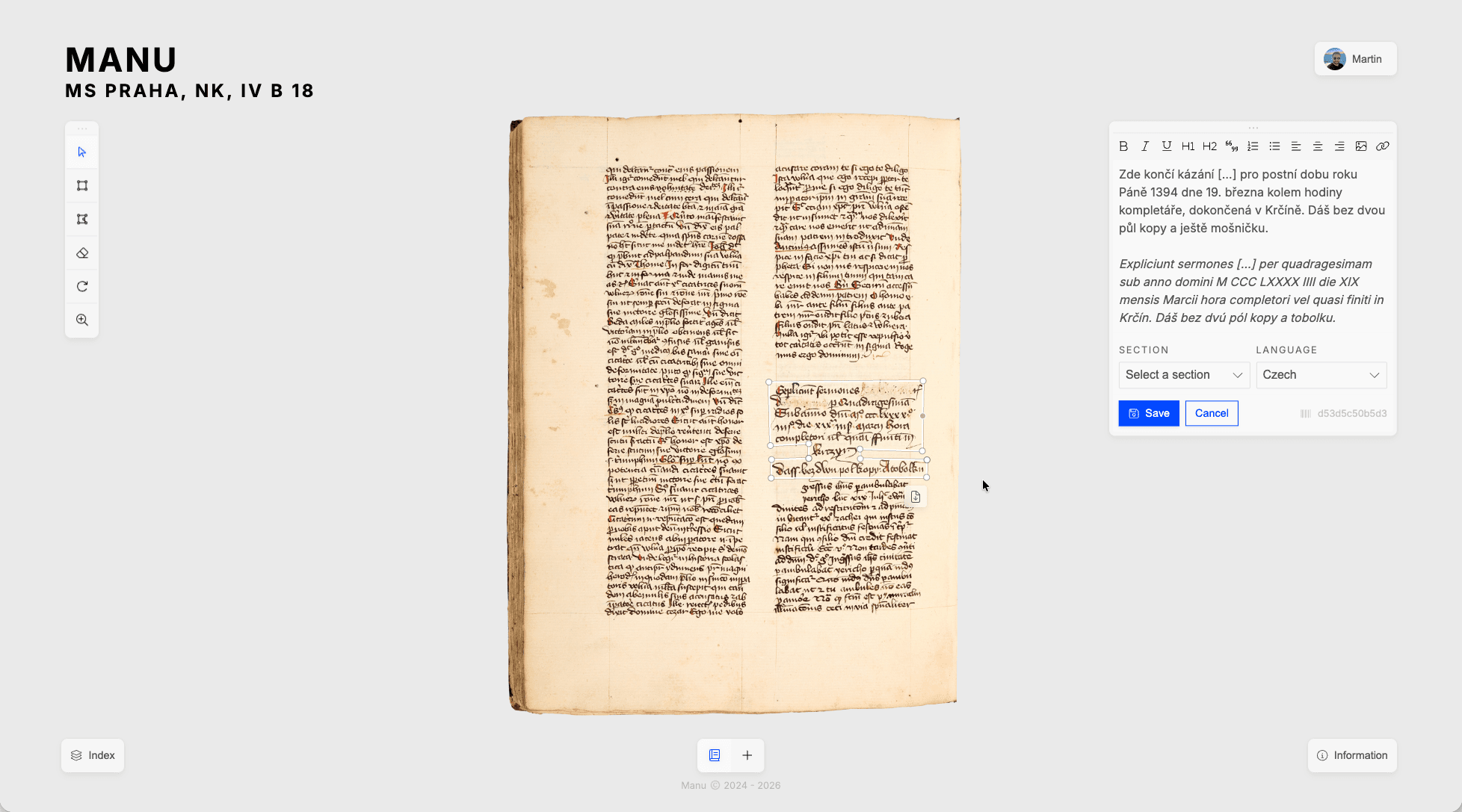
IIIF · W3C Annotations
Annotate manuscripts collaboratively.
Manu is a scholarly platform that brings deep-zoom IIIF viewing, thematic annotation layers, and automatic transcription together in one place. All built on open standards your institution can trust.
How it works
Everything a manuscript project needs.
Start the project by loading a IIIF source, invite your colleagues. Manu will provide you with all the tools you need to annotate the manuscript.
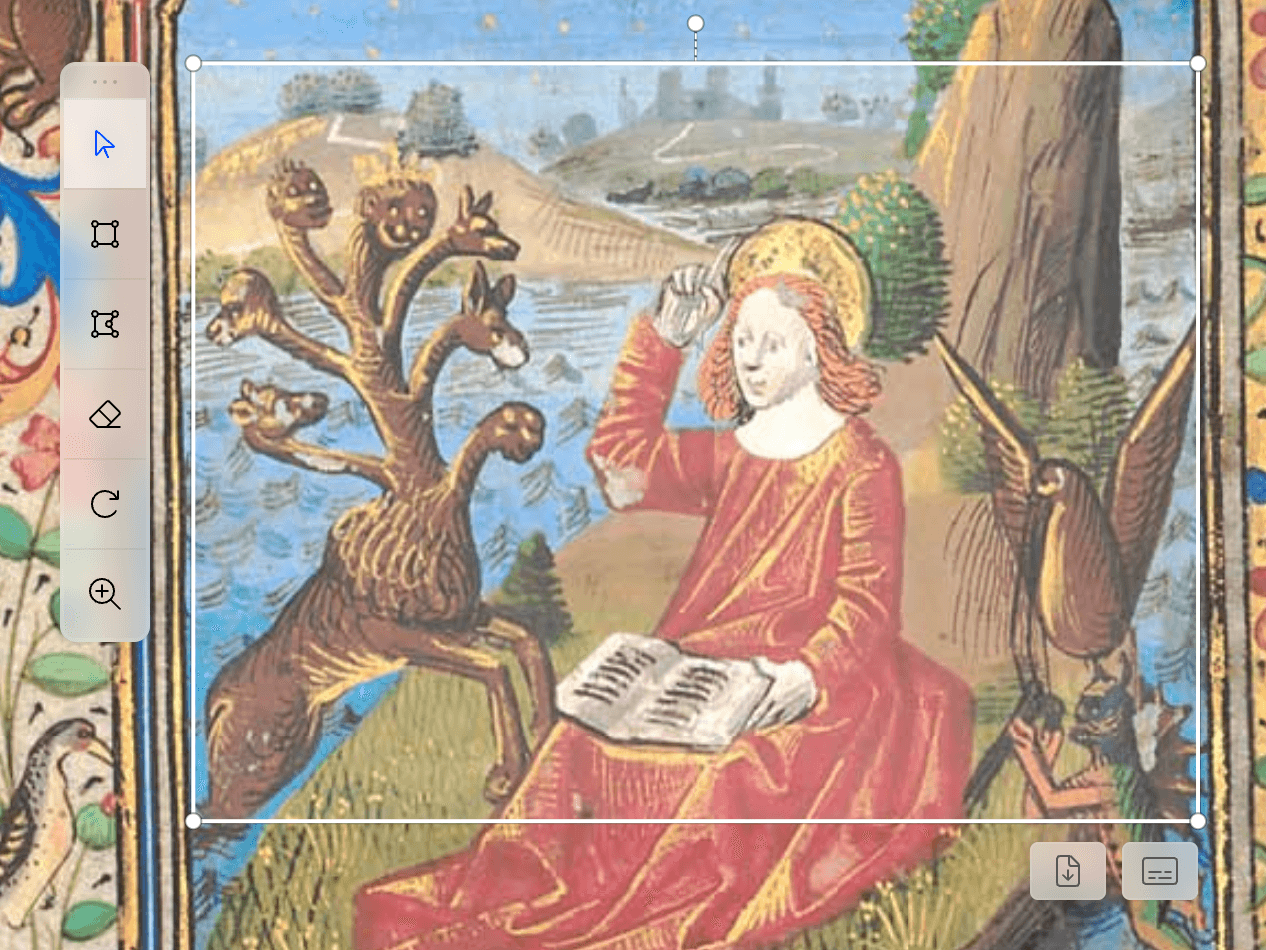
Pointer. The pointer tool lets you click on any annotation to select, inspect, and edit its content. Hover to preview the annotation body; click to open the editor panel.
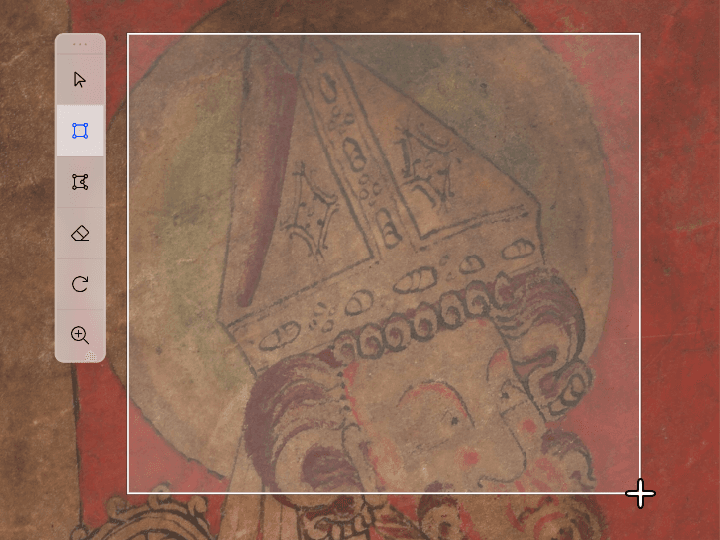
Rectangle. Draw axis-aligned bounding boxes over any region of the folio. Good for columns, line blocks, rubrics, and any rectangular feature on a manuscript page.
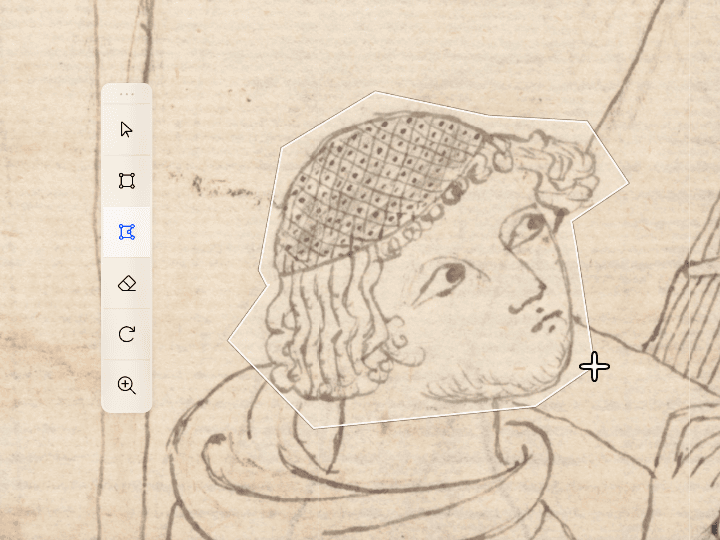
Polygon. Click to place vertices and draw a polygon that follows the exact contour of an illumination, decorated initial, marginal gloss, or any irregularly shaped feature on the page.
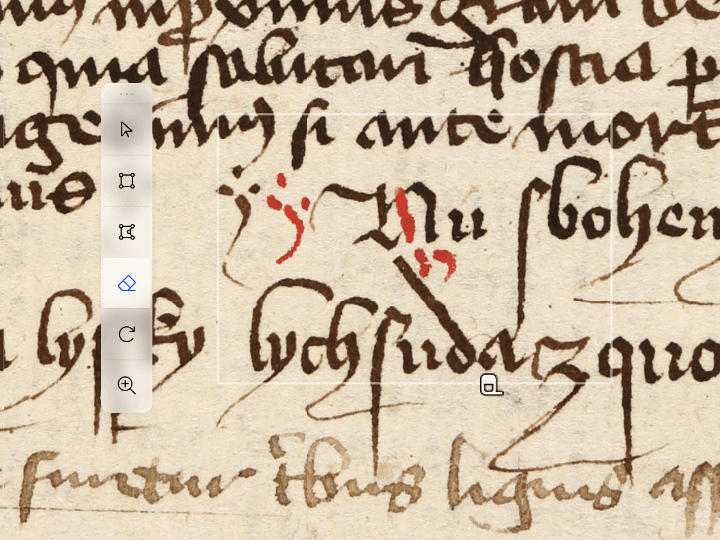
Eraser. Click an annotation to delete it from the current layer. Other layers are never affected. The eraser is always scoped to the layer you are actively editing.
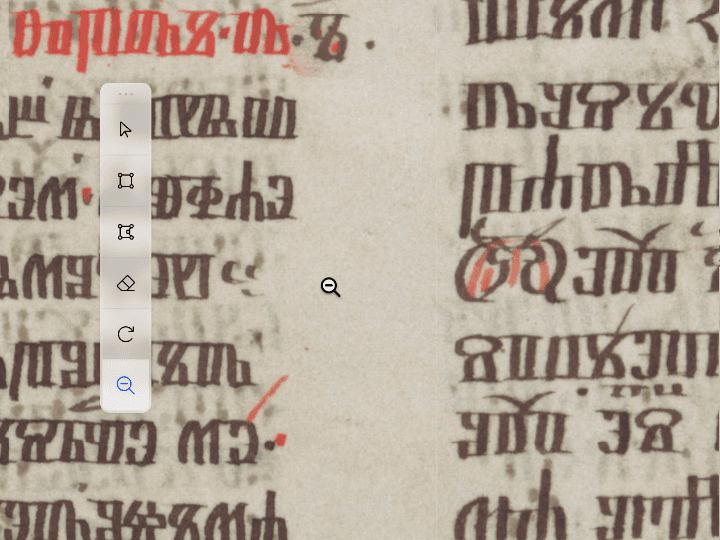
Zoom. Click to zoom in, shift+click or right-click to zoom out. The IIIF tile server streams the appropriate resolution for every zoom level automatically without waiting for the full image to load.
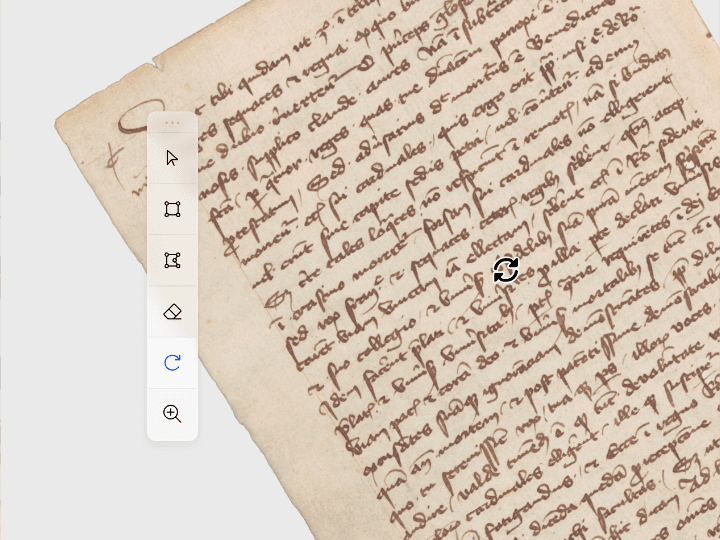
Rotate. Drag left to rotate clockwise, drag right to rotate counter-clockwise. Useful for folios photographed at an angle and for inspecting rotated marginal glosses or upside-down insertions.
High-resolution viewer
Zoom into every detail of a folio.
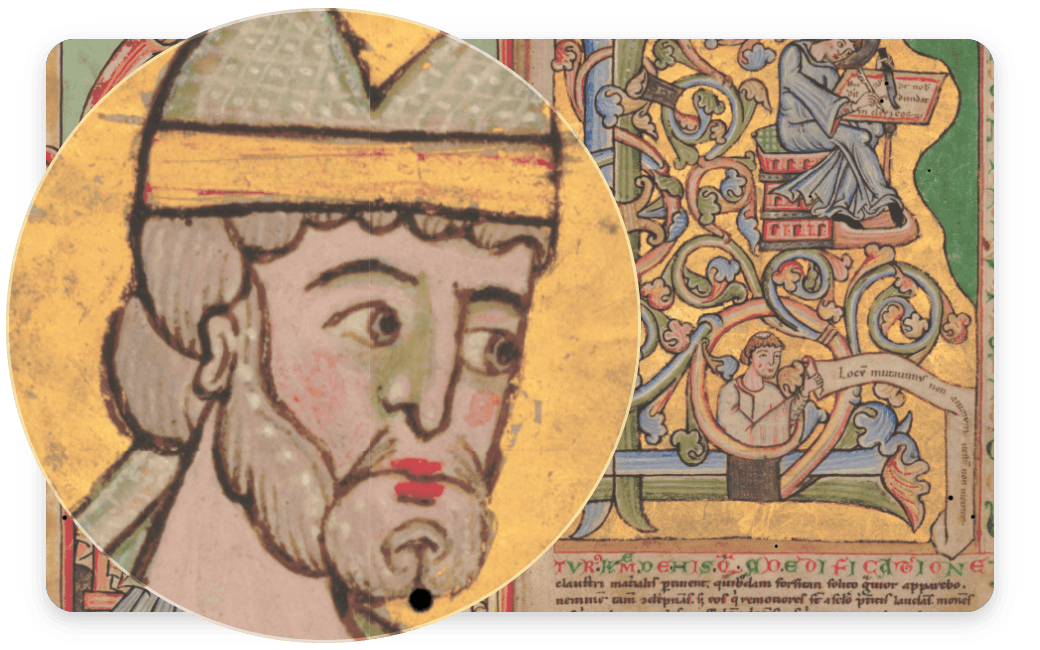
The OpenSeadragon viewer delivers large manuscript images as deep-zoom tile pyramids, so you can navigate from a full-page overview down to individual letterforms without reloading. Paste any IIIF manifest URL to connect directly to the institution's tile server.
Annotation layers
Organise your research into layers.
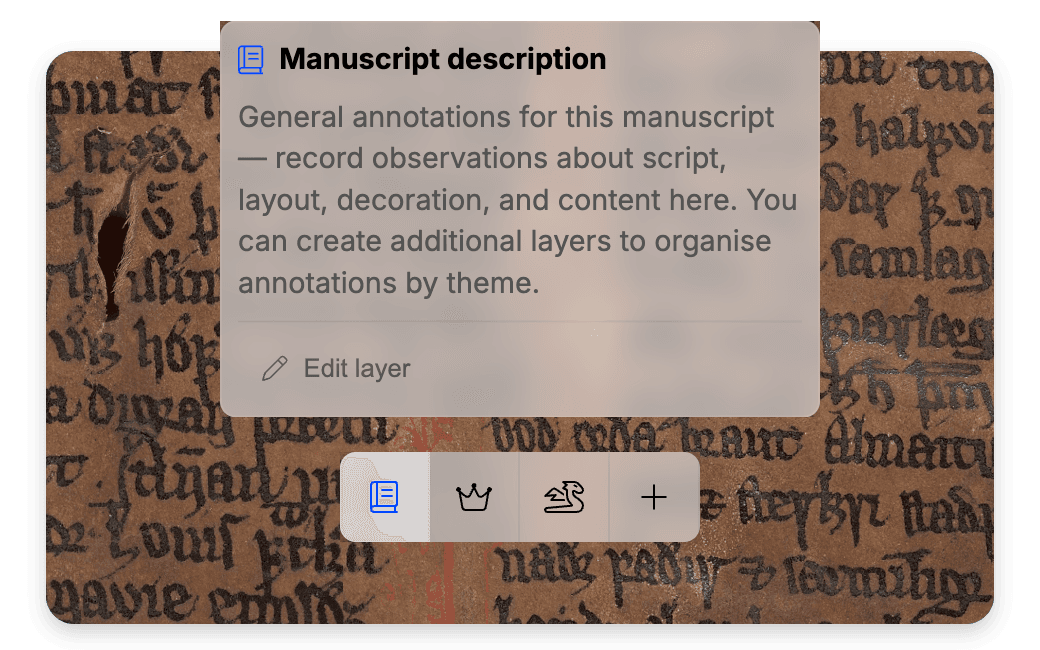
Create custom layers, add descriptions and then draw rectangles or freehand polygons over any part of a folio. Each annotation will get assigned to the currently selected layer. Layers can be created for various purposes: transcription, decoration, marginalia, damage, or whatever your project requires.
Team collaboration
Share access exactly as needed.
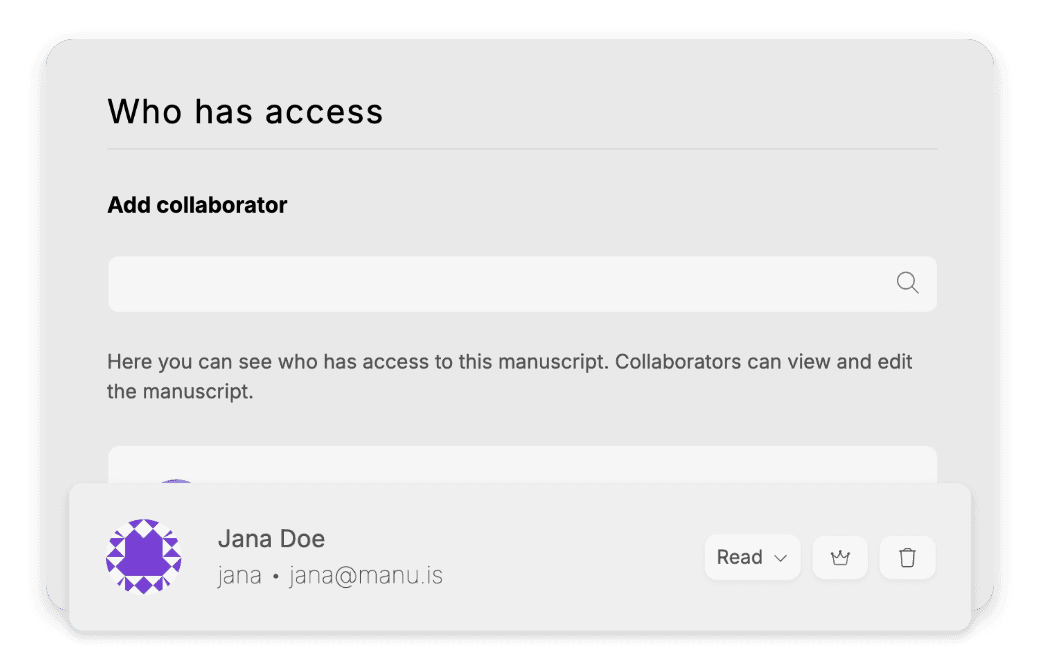
Assign collaborators per manuscript with one of four roles: read, write, manage, or owner. Create research groups so every member inherits access automatically.1 Set a manuscript public so anyone can view it without an account, or keep it private until publication.
AI transcription
Convert selected regions into text.
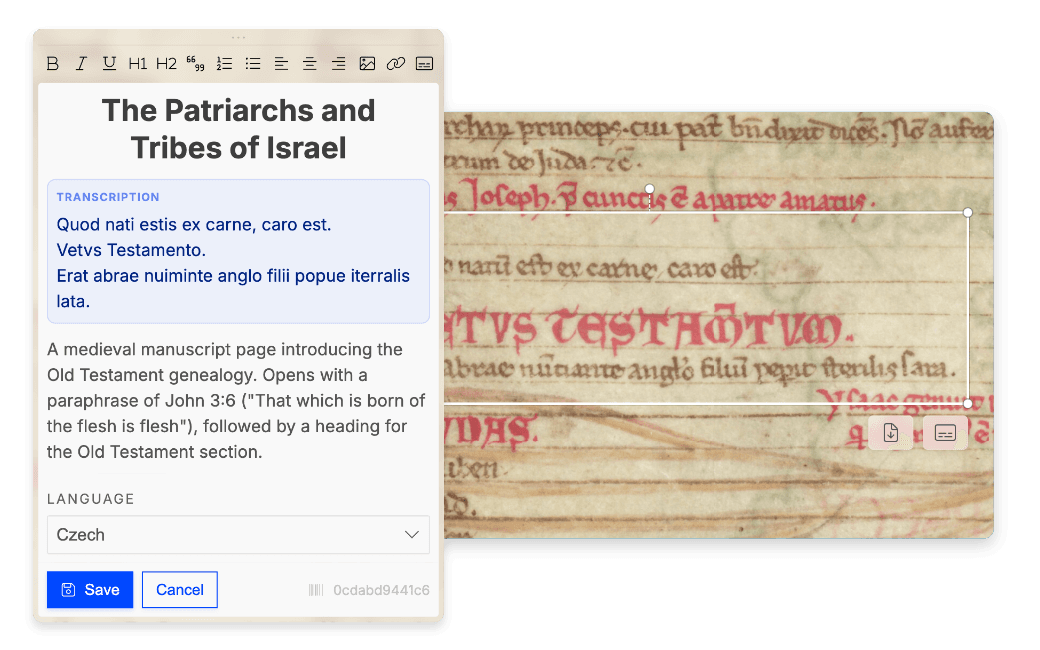
Select an annotated region and ask Manu to transcribe the visible text. Google Gemini2 analyses the crop and streams the result back in real time. The transcription lands directly in the annotation body as a starting point for your work, ready for your editorial corrections.
Open standards & export
Your data, portable forever.
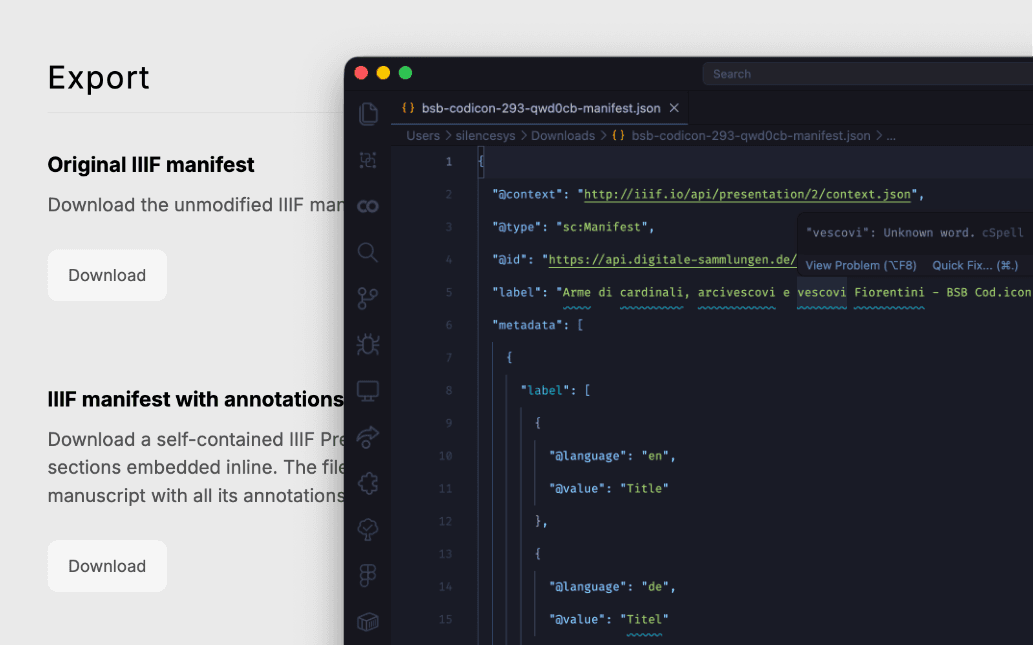
Annotations are stored and exported in the W3C Web Annotation Data Model, the open standard at the core of modern Digital Humanities infrastructure. Export any annotated region as a high-resolution PNG crop that can be used for citation, typesetting, or further image analysis.
About the project
Scholarly infrastructure for the long run
Medieval manuscript research has always required proximity to the object, to the institution, and to the colleagues who share your specialisation. Digital tools can replicate the proximity to the object. The harder problem is replicating the collaborative infrastructure that surrounds archival work: annotation conventions, access management, the handover of notes between researchers, and the long-term archiving of scholarly additions that accumulate around a witness.
Manu was built to address that problem. The platform started as an internal tool for a research group at Charles University in Prague that needed a single place to annotate a manuscript collection. None of the available tools combined IIIF compatibility, fine-grained access control and a data model grounded in open standards.
The annotation layer is built on the W3C Web Annotation Data Model, the same standard used by Mirador and Recogito, which means annotations exported from Manu can be imported into other compliant tools without conversion. Images are served by the institution's own IIIF server. Manu never copies or redistributes them.
The platform is designed to disappear. It should feel less like specialised software and more like organised, accessible research infrastructure, the kind that a university library would be comfortable operating long after the original development team has moved on to the next project.
Features
Built for manuscript research
Every feature was designed around real workflows used by scholars working with actual collections.
IIIF from any institution
Paste a manifest URL from any IIIF-compliant repository, including national libraries, Europeana and university collections. Manu loads the folio sequence, extracts multilingual metadata, and connects directly to the institution's Image Service.
Precision annotation tools
Rectangle and polygon drawing tools powered by Annotorious. Annotations are stored as W3C-compatible JSON and can survive migration to any future platform.
Thematic layer system
Create unlimited named layers: one for transcription, one for decoration studies, one for damage mapping. Toggle them independently and collapse entire research threads without losing work.
Four-tier access control
Assign read, write, manage, or owner roles per manuscript or per research group.1 Public visibility for open access; private by default until you are ready to share.
AI-assisted transcription
Select a region, click transcribe. Google Gemini analyses the crop and streams a transcription in real time.2 You stay in control. Edit the result directly in the Slate rich-text body.
W3C annotation export
Every annotation exports as W3C Web Annotation JSON. Download individual regions as high-resolution PNG crops. Your research data is never locked in.
GDPR & EU hosting
Deployed on Hetzner in Helsinki. All data stays within the EU.